
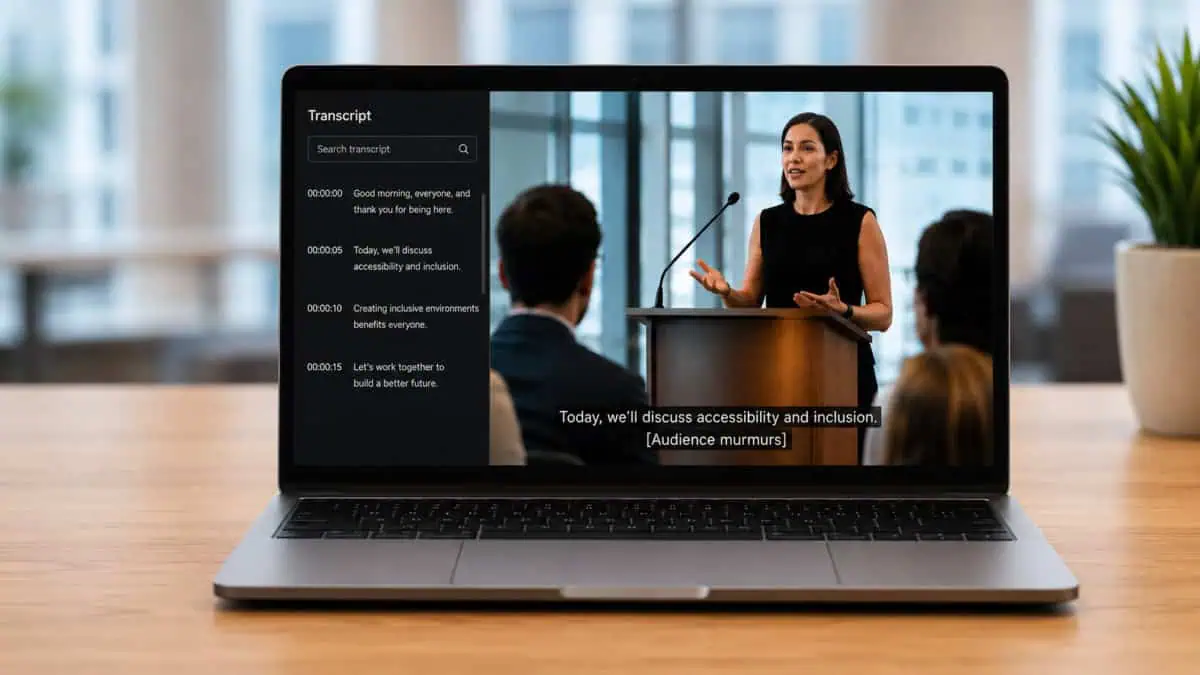
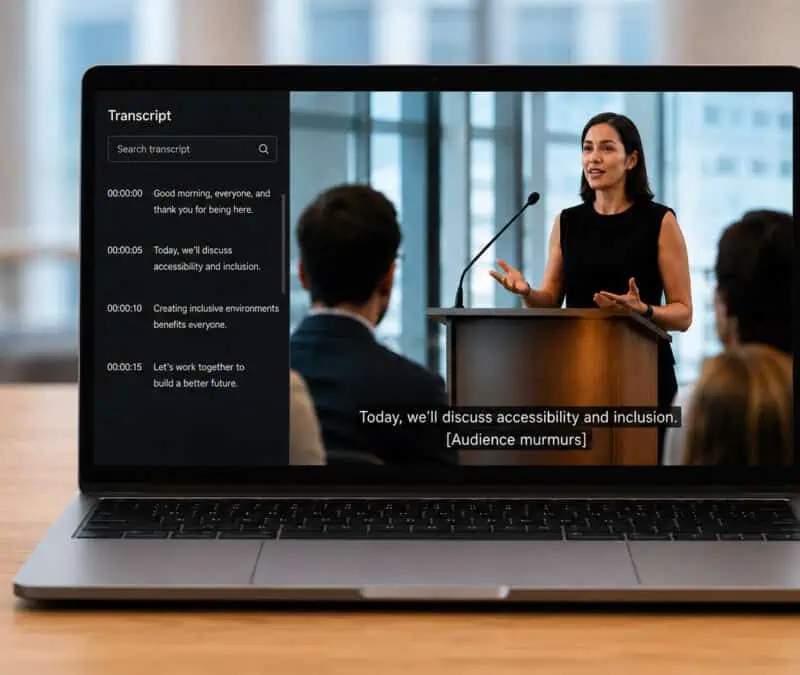
Audio and video content can make a website more useful, engaging, and persuasive. They help organizations explain ideas, preserve information, and share messages in a more engaging format.
However, multimedia content is not automatically accessible.
The fact that content can be shared does not mean everyone can fully understand it. Some people cannot hear the audio. Some cannot see the video. Others need a written version to search, review, translate, quote, or save the information, especially when recordings become long-term records supported by professional legal transcription services.
That is where captions and transcripts come in. They are related, though not the same. Under Web Content Accessibility Guidelines (WCAG), both may be needed because they solve different accessibility problems.
What Are Captions?
Captions are synchronized text that appears while a video or audio-visual presentation plays. It also includes meaningful non-speech audio, such as:
[Music playing]
[Audience laughs]
[Door closes]
[Phone rings]
[Applause]
[Long pause]
While many may not notice, captions significantly help people who are deaf or hard of hearing by providing access to the audio portion of a video in real time. Aside from that, it is also helpful for people watching a video in a quiet office, for commuters without headphones, for students reviewing lectures, and for employees watching training content in a shared workspace.
WCAG Level A requires captions for prerecorded audio content in synchronized media, except when the media already provides a text alternative and is clearly labeled as such. That means that if you publish a prerecorded video with audio, you usually need captions.
What Are Transcripts?
A transcript is a written version of audio or video content. Unlike captions, it is not synchronized with the media player. Instead, it stands alone as a readable document or web page.
A basic transcript usually includes spoken words and important non-speech audio. World Wide Web Consortium (W3C) explains that basic transcripts include speech and non-speech audio information, while descriptive transcripts include visual information needed for understanding, which typically includes:
- Speaker labels
- Spoken dialogue
- Important sounds
- Meaningful pauses
- On-screen text
- Important actions
- Visual descriptions
- Clear formatting
This is especially important in formal or high-stakes recordings, including legal proceedings, public hearings, medical discussions, workplace investigations, and recordings prepared through court transcription services.
Captions vs. Transcripts: The Simple Difference
Now here’s where captions and transcripts differ.
Captions are for watching. Transcripts are for reading.
Captions appear at the right time while the video plays. They help users follow along moment by moment. Transcripts provide the full content in one place, making it easier to search, skim, or translate.
Here is a simple comparison:
| Feature | Captions | Transcripts |
| Format | Timed text on screen | Stand-alone written text |
| Best for | Watching video as it plays | Reading, searching, reviewing, saving |
| Includes timing | Yes | Usually no |
| Helps deaf and hard-of-hearing users | Yes | Yes |
| Helps deaf-blind users | Limited | Yes, especially descriptive transcripts |
| Searchable by users | Not always easily | Yes |
| Useful for records | Somewhat | Very useful |
| Works without playing media | No | Yes |
Though note that one does not replace the other. Captions support the viewing experience. Transcripts support independent access and documentation.
Why WCAG Often Points You Toward Both
WCAG is built around the idea that people should be able to access the same information regardless of the format
For audio-only content, such as podcasts and voice recordings, a transcript is usually the primary accessibility requirement. WCAG Level A requires an alternative for prerecorded audio-only content, unless the audio itself serves as an alternative for text.
For video content with audio, captions are usually required because users need access to spoken words and contextual sounds.
However, video often includes information that captions alone cannot fully convey, which is why transcripts are relevant, even when captions are available.
Captions answer: “What is being said right now?”
Transcript answer: “What happened in the full recording, and can I review it later?”
When Captions Alone Are Not Enough
Captions can do a lot, although not everything. Captions may show spoken words, yet they do not fully explain what is being highlighted or what action the character took. That is the gap that transcripts fill. A descriptive transcript can provide that context, which is one reason deposition transcription services are valuable for legal teams reviewing recorded testimony.
That said, if visuals carry meaning, a transcript may need to describe those visuals.
When Transcripts Alone Are Not Enough
Transcripts are powerful, although they do not do what captions do for videos.
Transcripts are written as a whole in a paper, and never in sync with the media, which is never ideal, especially when a user is watching a video and needs captions to appear at the same time the words are spoken. Without captions, a deaf or hard-of-hearing viewer may have to pause the video, read the transcript, return to the video, and manually match the two, which is tiring.
Captions, on the other hand, preserve the timing and immediate relationship between sound and image. For example, if a safety training video shows a warning light flashing while an alarm sounds, captions can identify the alarm at the exact moment it happens.
And in most cases, this timing matters. A transcript helps with review, while captions enhance the live viewing experience, so choosing between captions and transcripts is not an either-or decision.
What a Strong Caption and Transcript File Should Include
Good captions should be accurate and well-timed.
Strong captions usually include accurate spoken words, correct names, and terminology, non-verbal cues, speaker identification when needed, proper timing, and consistent formatting.
Poor captions only create confusion, and that is risky for both private and public content. For example, a small error in a recorded trial can affect how a statement is understood. That is one reason accurate trial transcription services and caption-support workflows are so important for high-stakes recordings.
A strong transcript should be readable, complete, and useful without requiring the user to play the media, and it should include: speaker labels, all important spoken content, meaningful sounds, important visual details when needed, logical paragraph breaks, clear headings, accurate terminology, and readable formatting.
The transcript does not need to describe every object in the room. It needs to capture the information necessary to understand the content.
This is especially relevant for healthcare, legal, and medical-legal recordings, where context matters. In those cases, medicolegal transcription services can help create clearer, more accurate records.
The SEO and Usability Benefits
Captions and transcripts are not only about accessibility. They also improve usability.
For users, transcripts save time. They can quickly find a key section instead of manually finding it through a long video.
For organizations, transcripts can also support documentation and recordkeeping. This is particularly useful for public meetings, hearings, interviews, and agency recordings handled through government transcription services.
Quick Checklist: Do You Need Captions, Transcripts, or Both?
If you’re still unsure which one to get, we made a simple guide that could be helpful:
- A prerecorded audio-only content? Transcript.
- A prerecorded video with audio? Caption and transcript.
- Is there important information shown visually? Descriptive transcripts or audio description.
- Is it public content? Caption and transcript.
- Will users need to search, quote, or review it? Transcript.
- Is the content legal, medical, government, or compliance-related? Both transcript and captions
The basic rule is simple: if the media contains important information, users need a reliable way to access that information in more than one format.
Why Clients Choose Ditto for Caption and Transcript Support
Accessibility is about ensuring that people have equal and independent use of information that is published or preserved. At Ditto Transcripts, we help clients turn audio and video recordings into accurate, readable, and professional transcripts.
Here’s what we offer:

- Human transcriptionists: Ditto only employs trained professionals who can handle complex audio.
- Support for accessibility needs: We offer flexible, comprehensive transcript options, including speaker labels, readable formatting, and important visual descriptions when needed.
- Industry-specific experience: Ditto supports different fields, including legal, medical, law enforcement, and other niche transcription projects.
- Secure handling: Sensitive recordings are handled through workflows designed to protect confidentiality and client information, as Ditto Transcripts is HIPAA-, CJIS-, and FINRA-compliant transcription support.
- Flexible legal transcription pricing: Clients can choose from our turnaround and pricing options based on their needs.
- No long-term contract required: Clients can use Ditto for one project or ongoing transcription needs, no strings attached!
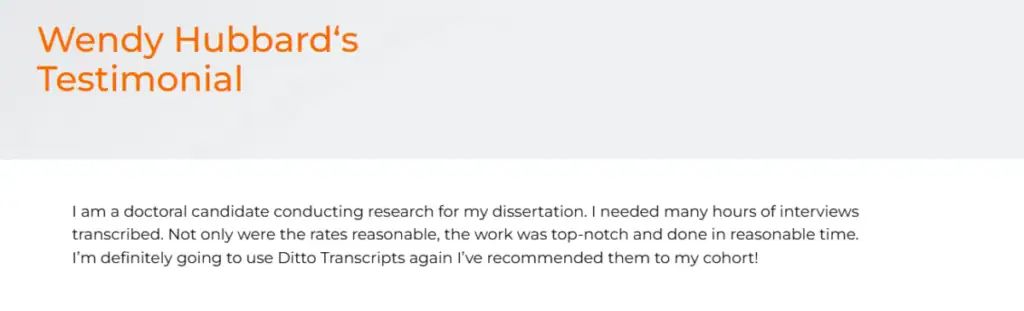
See why clients trust Ditto Transcripts through testimonials focused on accurate, accessible records that are easy to read, review, and preserve:
One Step at a Time
Captions and transcripts are often in the same discussion because they share the same purpose: making content accessible. Now you know that they do not serve that purpose in the same way.
Captions make audio accessible while someone watches a video. Transcripts make audio and video content readable, searchable, reviewable, and easier to preserve.
For WCAG compliance, usability, SEO, and long-term value, the best answer is usually not captions or transcripts. It is captions and transcripts.
Ditto Transcripts is a Denver, Colorado-based transcription services company that provides fast, accurate, and affordable transcripts for individuals and companies of all sizes and is FINRA-, HIPAA-, and CJIS-compliant. Call (720) 287-3710 today for a free quote.